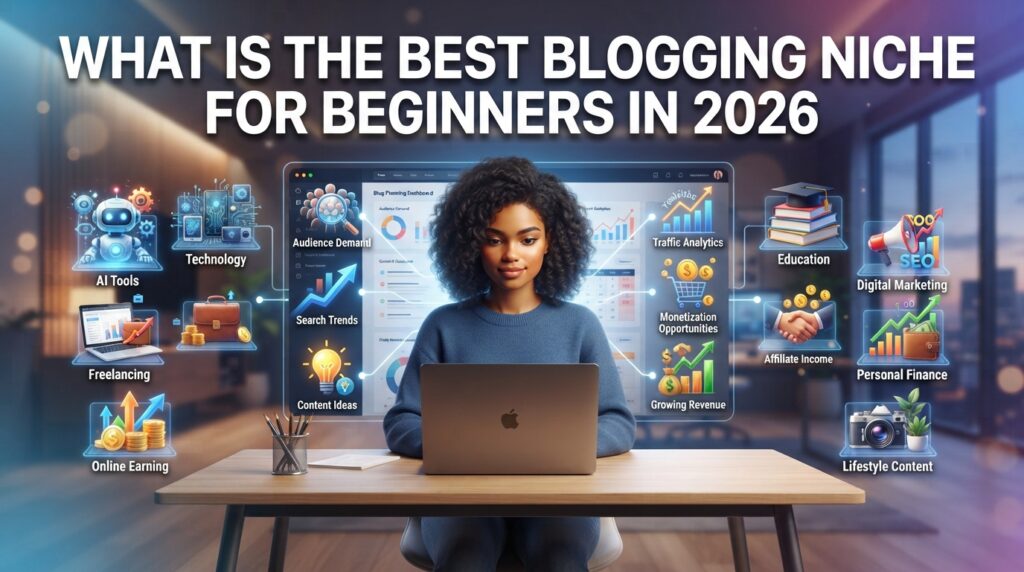
Introduction: Where to Begin?
Starting a blog in 2026 has become 10 times easier compared to 2010.
But still, 90% of beginners get stuck on one question: Bro, where do I even start?
Go to Google and you’ll find 100 platforms, 200 tools, and 1000 YouTube videos.
Seeing so much information, people get confused and say, “Forget it, this is not for me.”
Wait! The truth is, you don’t need an expensive laptop, you don’t need to know coding, and you don’t need 5 years of experience to start a blog.
Whether you want to:
- Share your knowledge with the world
- Build your personal brand
- Start an online business from home
- Or make money through blogging
The key to success is just one thing = Proper Planning
If you make the first 2-3 decisions correctly, you’ll save time, money, and headaches later.
In this guide, I’ll explain to you step by step:
How to choose the right niche, Which platform is best, How to set up a website, How to create content that people actually read.
By the end, you’ll be able to launch your own blog.
Which Website Builder Is Best for Beginners
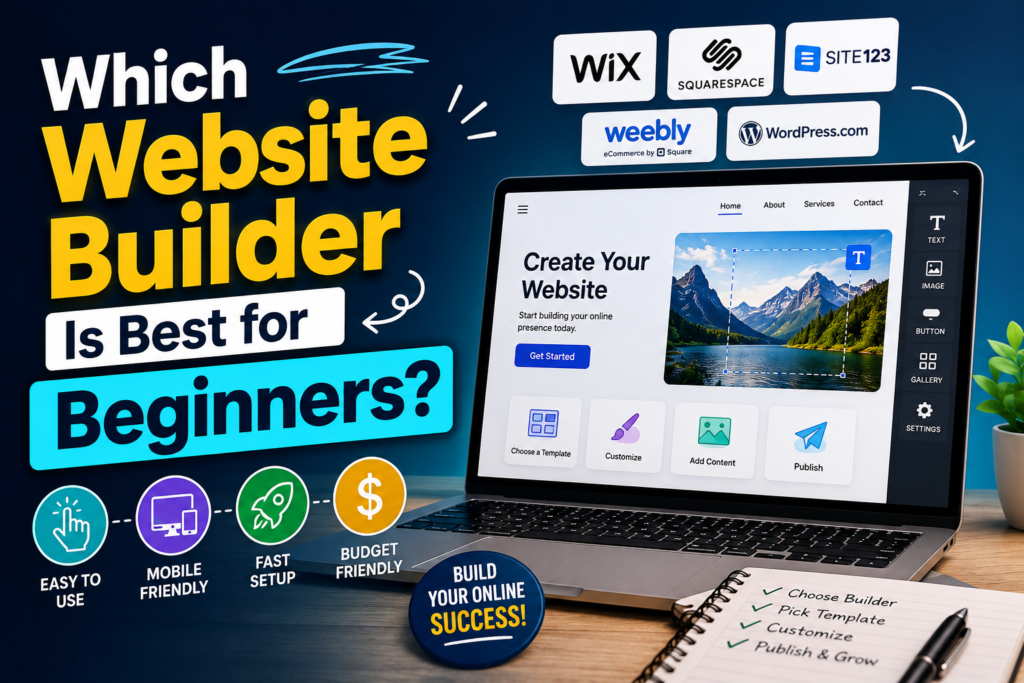
If you are completely new, the straight answer is: Use WordPress.or[https://wordpress.org/]
I personally use WordPress. Why? Because it’s the most flexible and powerful.
You get thousands of free and paid themes and plugins. You can design whatever you want.
Yes, it might feel a little difficult at the start. But bro, it takes time to learn anything new, right?
Just like you couldn’t ride a bike on the first day.
If you don’t know any coding and want a website in 2 hours, then Wix [https://www.wix.com/] and Squarespace [https://www.squarespace.com/] are also fine. Just drag and drop and you’re done.
But if you’re thinking long term, want to do SEO, and add more features later, there’s nothing better than WordPress.
That’s why 90% of professional bloggers use WordPress.
Here’s a helpful beginner tutorial to get started: [https://www.youtube.com/watch?v=zd5_MN-6kqs]
How to Buy a Domain and Hosting? – Explained in Simple Words
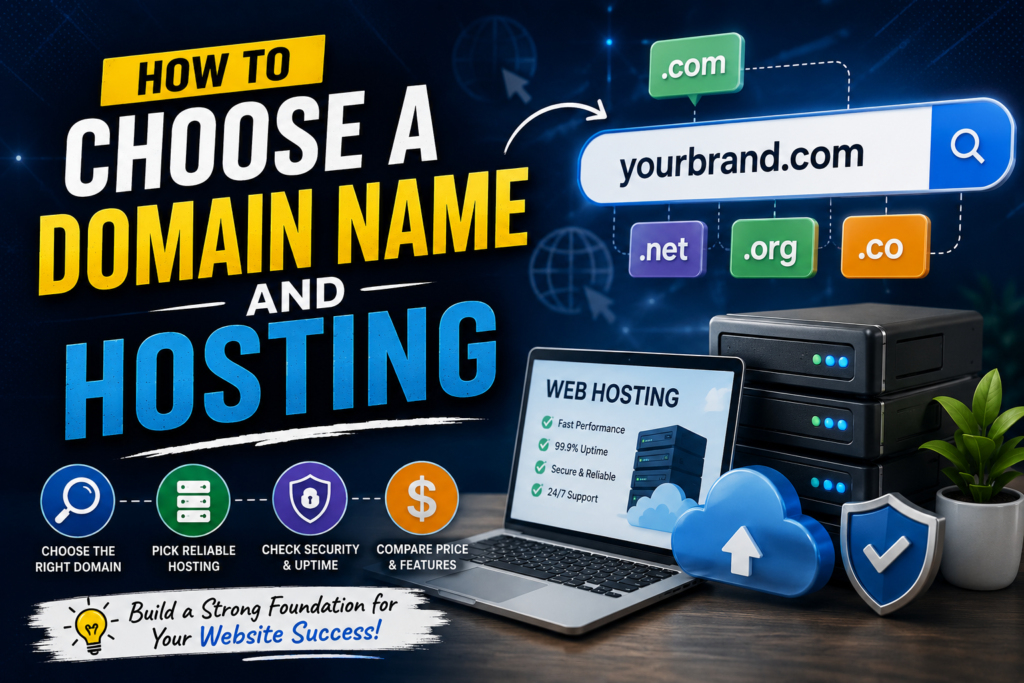
New people get scared when they hear “Domain” and “Hosting”. I got scared too 😅
But it’s very easy.
Understand with an example:
Domain = The address of your house
Like Google.com, Facebook.com. This is the name of your website.
You can buy it from sites like Namecheap [https://www.namecheap.com/]
Hosting = The house itself
In a house you have all your furniture, TV, fridge, right?
In the same way, hosting is the server where all your website’s photos, articles, and data are stored.
When someone types your domain, the hosting shows them your website.
For beginners, Hostinger [https://www.hostinger.com/] is the cheapest and easiest.
Other good options are Bluehost [https://www.bluehost.com/] and SiteGround [https://www.siteground.com/]
My Tip: Buy both your Domain and Hosting from the same company. The setup will be done in 1 click.
Want a visual guide? Watch this: [https://www.youtube.com/results?search_query=domain+and+hosting+explained+for+beginners]
How to Design a Website That Looks Professional
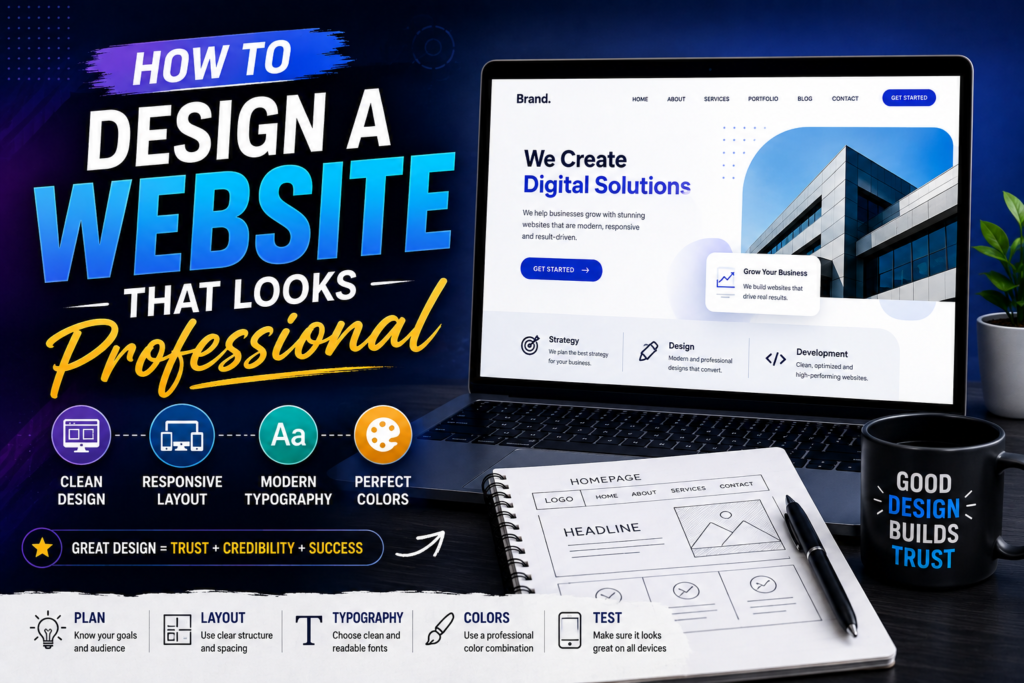
Many people think “I need a designer for design.” You absolutely don’t.
Market example: There are 2 shops. One is clean, one is dirty. Where will the customer go?
The same thing happens with a website. A visitor decides in 3 seconds.
4 Rules for a Professional Website:
- Keep it Simple – Don’t add 10 colors and animations. The visitor will get confused.
- Good Theme – On WordPress use Astra, GeneratePress, Kadence. They are fast and mobile friendly.
- Font and Color – Don’t use more than 2-3 colors. Use a font that is easy to read on mobile too.
- Speed – If your website doesn’t open in 5 seconds, 50% of people will leave. Use lightweight images.
Keep it simple at the start. Add more features later as you gain experience.
Learn design basics here: [https://www.youtube.com/watch?v=QFaFIcGhPoM]
What Pages Does a New Website Need
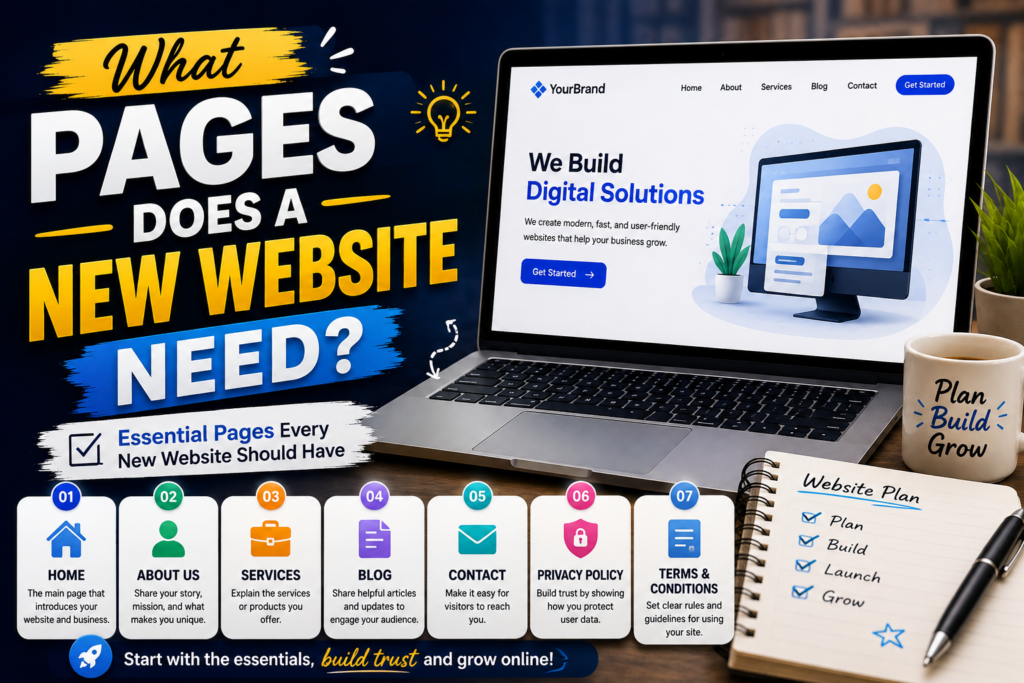
Many people just write articles and leave it. Don’t make this mistake.
A Website = A House. If a guest comes and doesn’t know whose house it is, they’ll just leave.
You must create these 5 pages:
- Home Page – What people see first
- About Us – Who are you? Why did you make this website? This builds trust.
- Contact Us – If someone has a question, how will they contact you?
- Privacy Policy – How will you use visitor data? This is mandatory for AdSense.
- Terms & Conditions – The rules of your website. Just like schools have rules.
These pages make your website look “serious” and “professional”.
Need help creating them? Check this guide: [https://www.wpbeginner.com/beginners-guide/important-pages-that-you-should-have-on-your-wordpress-blog/]
How to Publish Your Website and Make It Live
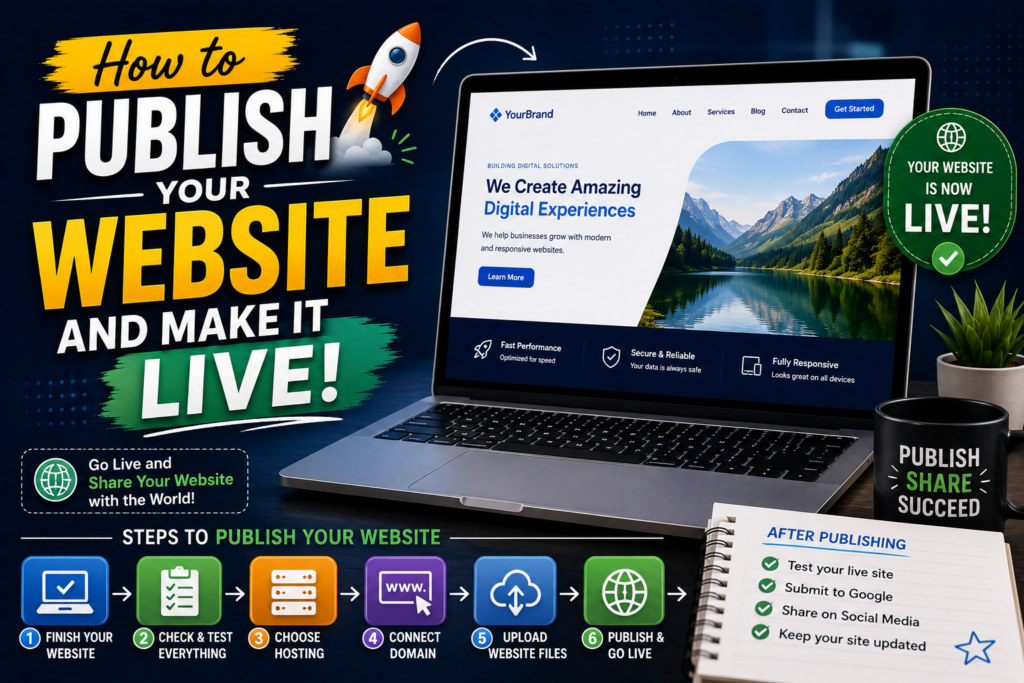
“Live” means = Opening the shutter of your shop.
Once you have domain, hosting, and WordPress installed, your website is already on the internet.
Just check:
- Are Home, About, Contact pages opening correctly?
- Does the website look good on mobile?
- Is any link broken?
Don’t wait to be perfect. No website is perfect on day one.
Launch it, then keep improving it.
Last step: Submit your website to Google Search Console [https://search.google.com/search-console/about]
So Google knows “Hey, my website exists too.”
Related Articles
- What Are the Biggest Blogging Mistakes Beginners Make
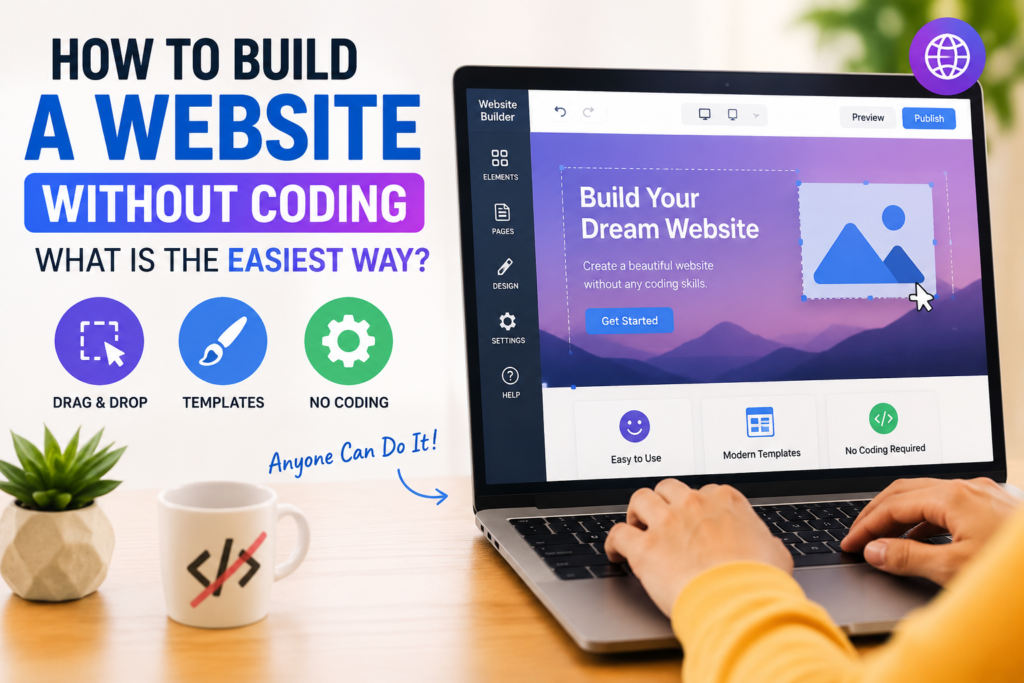
- How to Build a Website Without Coding: What Is the Easiest Way
Conclusion
If you’ve read this far, congratulations 🎉
You are in the 10% of people who don’t just think, they actually do.
The hardest part of blogging isn’t building the website. It’s writing the first article.
In the beginning, traffic will be low. Things won’t make sense. That’s normal.
Think of a blog like a plant. If you plant the seed today and water it, you’ll get fruit in 3-6 months.
Keep learning, keep writing. Just don’t stop.