Introduction
A few years ago, building a website was considered a job only for developers and coding experts. If someone wanted to create a website, they had to learn HTML, CSS, and other programming languages, which were also quite difficult to learn. Because of this, many people gave up on the idea of creating a website because they believed it was too difficult and technical.
However, the situation has changed significantly in 2026. Learning to code is no longer necessary to build a website. Today, there are many website builders and tools available that allow you to create a professional website with just a few clicks. Whether you want to start a blog, launch an online business, or create a personal website, you can do it all without coding.
When I started my first blog 2 years ago, I also thought I needed to know coding. I spent a whole week watching HTML videos on YouTube and then gave up out of fear. Then one day I tried WordPress. My homepage was ready in just 45 minutes without writing a single line of code. That day I realized that building a website is not that difficult.
In this guide, we will explain in simple and easy-to-understand language how you can build a website without coding, what the easiest method is for beginners, and which tools can make the process much easier. By the end of this guide, you will understand the complete website-building process and be able to launch your first website with confidence.
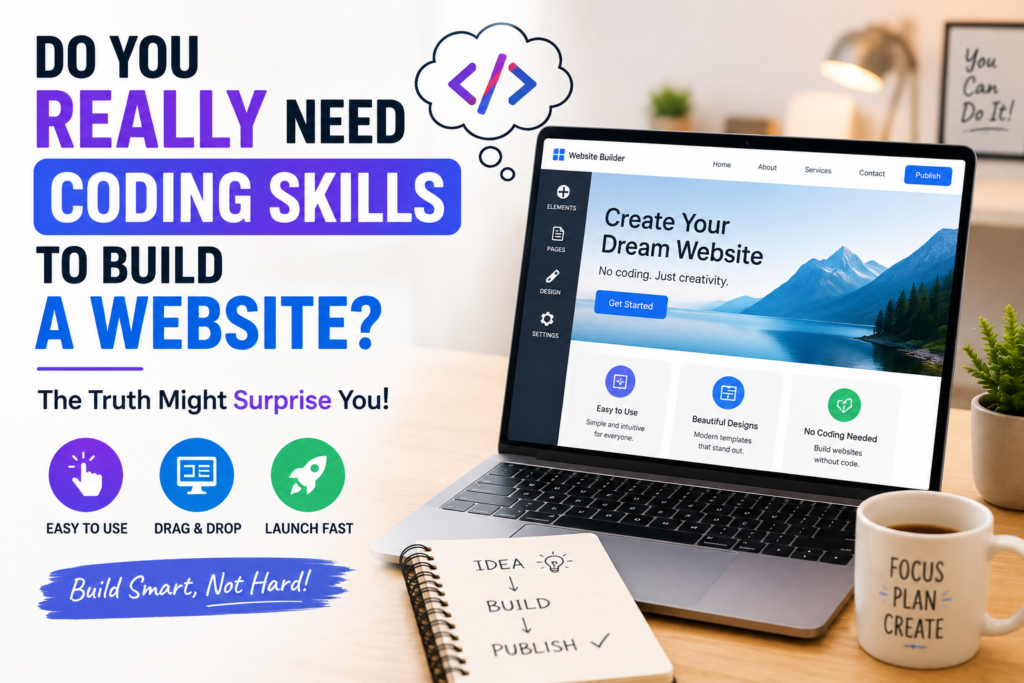
Do You Really Need Coding Skills to Build a Website
If you are thinking about building a website for the first time, you may have this question in mind: “Do I need to learn coding?” To be honest, I used to think the same thing. I believed that building a website was only for people who were computer experts and spent their days writing code.
However, the reality today is quite different. Learning coding is no longer necessary to build a website. Nowadays, there are tools available that make website creation just as easy as editing a photo on your phone or creating a social media account.
If you would like to see some of the most beginner-friendly website builders available today, you can check out this guide from Wix [https://www.wix.com/blog/best-website-builders-for-beginners].
Let’s understand this with a very simple example. Imagine you are building a house using LEGO blocks. Do you need to know how to make the bricks yourself? Of course not. You simply connect the ready-made blocks and build your house. Website builders work in a very similar way. You do not need to write code; you simply use ready-made tools to create your website.
Today, platforms like WordPress [https://wordpress.org], Wix [https://www.wix.com], and Squarespace [https://www.squarespace.com] allow you to create pages, add images, write text, and customize your website design with just a few clicks. Most of the work can be done through drag-and-drop features.
If you would like to see how no-code website builders work in practice, this English video explains the process step by step [https://www.youtube.com/watch?v=TYYgCXNwTtQ].
Yes, if you want to add highly advanced features in the future, learning some basic coding can be helpful. However, for creating a regular blog, business website, or personal website, coding skills are not necessary.
Which No-Code Website Builder Should You Choose
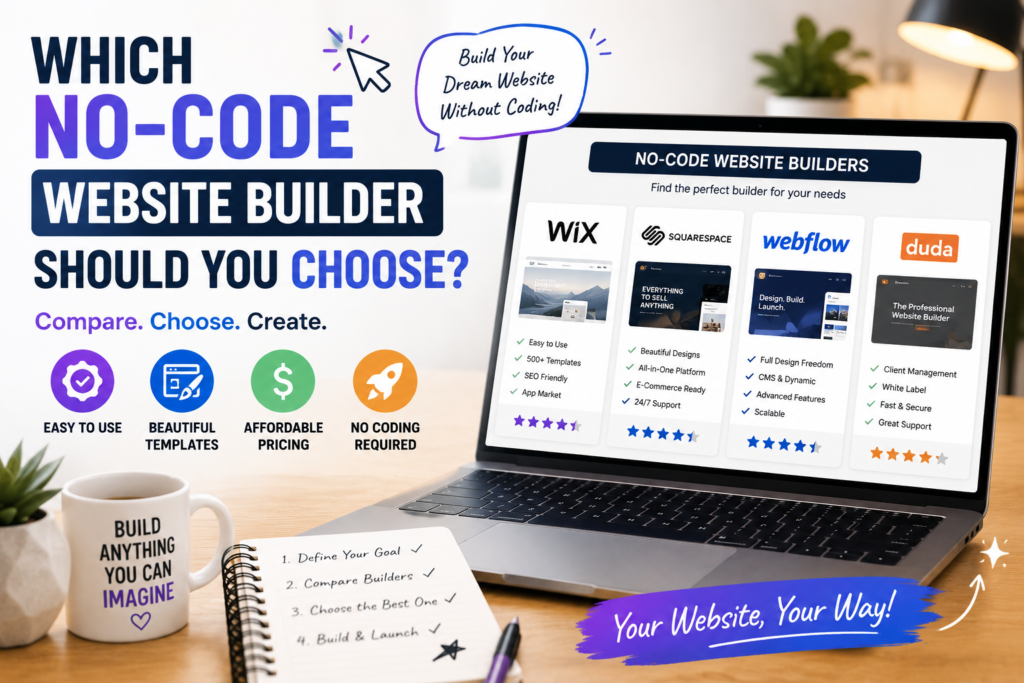
By now, you understand that learning coding is not necessary to build a website. However, this leads to a new question: “Which tool should you use to build your website?”
Let’s understand this with a very simple example. Imagine you want to go to school. You can walk, ride a bicycle, or travel by car. All three methods will get you to school, but each one works differently. Website builders are similar.
Here is my honest breakdown:
– *WordPress* [https://wordpress.org] → Best for Bloggers. It is free, powerful, and easy to grow in the future. Over 40% of websites in the world are built on it.
– Wix→ Easiest for Total Beginners. Just drag and drop like a mobile app and your site is ready.
– Squarespace → Best for Design. Perfect for photographers, designers, and portfolios.
If you would like to watch a comparison of these platforms, this English video may be helpful [https://www.youtube.com/watch?v=5j4hM8n4x2M].
My Tip: If you want to start a blog, choose WordPress. If you just want a website quickly, choose Wix.
How Much Does It Cost to Build a Website Without Coding
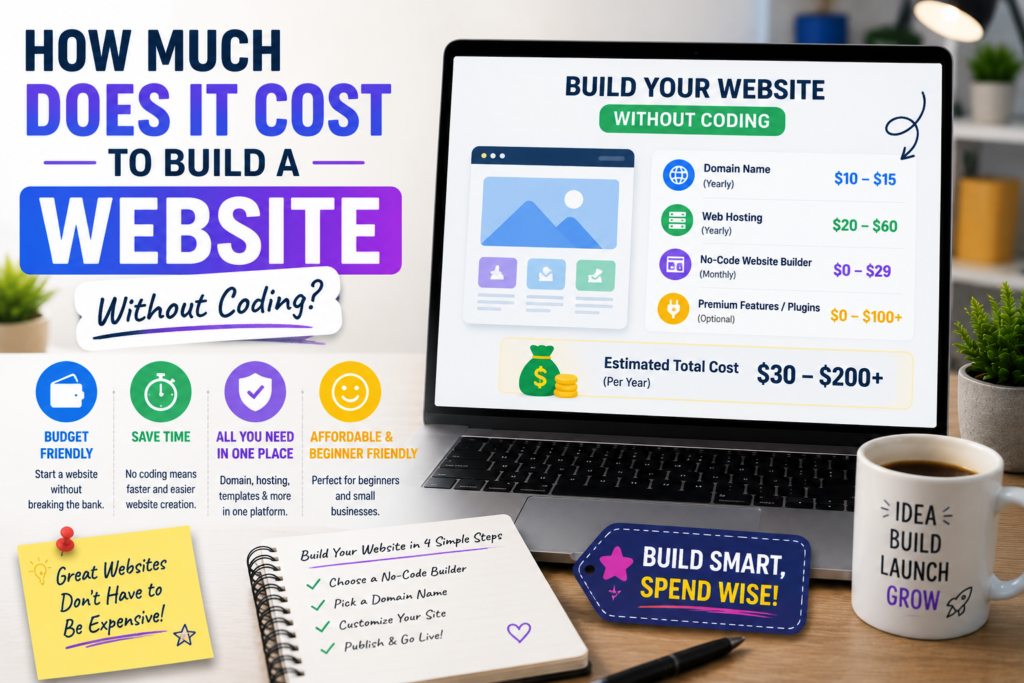
When people think about building a website for the first time, one question almost always comes to mind: “How much money will it cost?”
Let’s understand this with a simple example. Imagine you want to buy a new house. Some people choose a small house, some choose a larger one. Building a website works in exactly the same way.
If you want to build a website with WordPress, the first things you will need are a domain and hosting. A domain is the name of your website, and hosting is the place where all of your website’s data is stored.
For beginners, Hostinger [https://www.hostinger.com] is the cheapest and easiest option to start.
Check Pricing here [https://www.hostinger.com/pricing].
If you use no-code services such as Wix [LINK 3] or Squarespace [LINK 4], free plans are also available. But for a professional website, a paid plan is better.
Wix Pricing [ttps://www.wix.com/pricing]
Squarespace Pricing [https://www.squarespace.com/pricing]
If you would like to see a comparison of website costs, this English video may be helpful [https://www.youtube.com/watch?v=GfV8Rkq5g7E].
What Features Should Your First Website Have
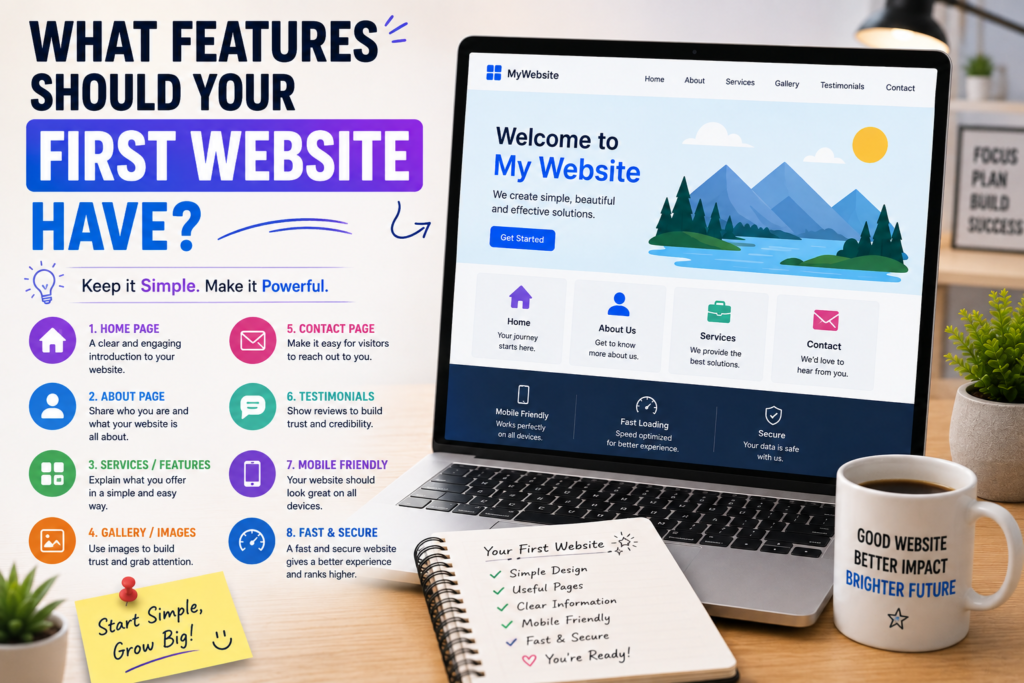
For beginners, a simple and useful website is actually the best choice. Do not add 20 things on day 1.
*Must-Have 5 Features:*
1. *Mobile-Friendly* – 80% of people will visit on mobile. Google also checks this. Read Google Guide [https://developers.google.com/search/docs/fundamentals/mobile-first-indexing]
2. Fast Speed – If the site does not open in 3 seconds, visitors will leave.
3. Clear Navigation – Menu, About, and Contact pages are a must.
4. Good Home Page – Visitors should understand what the website is about within 5 seconds.
5. Search Bar – This is very helpful if you have a blog.
If you would like to see examples of beginner-friendly websites, this English video may be helpful [https://www.youtube.com/watch?v=QFaFIcGhPoM].
How to Make Your Website Look Professional and Mobile-Friendly
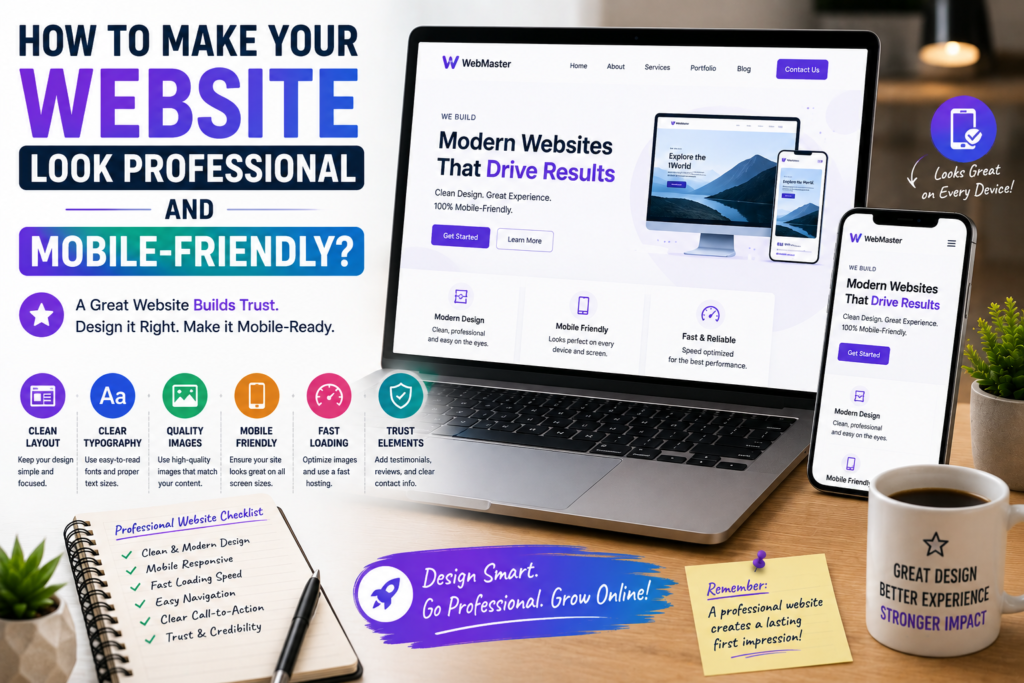
A professional website does not mean a fancy website. A professional website is one that is clean, fast, mobile-friendly, and easy for visitors to use.
3 Golden Rules:
1. Simple Design – Do not use more than 2-3 colors
2. Readable Fonts – Use easy-to-read fonts. Do not change fonts on every page
3. Optimized Images – Large images can slow down your website
If you would like to understand the basic principles of website design, this guide from Nielsen Norman Group may be helpful [https://www.nngroup.com/articles/ten-usability-heuristics].
For design tips, watch this video [https://www.youtube.com/watch?v=3C_22eBWpjg].
Related Articles
Frequently Asked Questions
- Q1: How long does it take to build a website?*
- Ans: If you use Wix, it takes about 1 hour. With WordPress, it takes 2-3 hours. The domain and hosting setup takes the most time.
- Q2: Can I build a website for free?*
- Ans: Yes, Wix and WordPress.com offer free plans. But your URL will look like “yourname.wix.com”. For a professional website, you will need a $3-$5/month plan.
- Q3: Can I switch from WordPress to Wix later?*
- Ans: It is difficult. That is why you should choose your platform carefully in the beginning. For blogs, I always recommend WordPress.
- Q4: Will not knowing coding be a problem?*
- Ans: Not at all. 90% of the work can be done without coding. You might only need to copy-paste a small code from YouTube for minor customizations.
Conclusion
If you have made it this far, congratulations! You now know more about building a website than many beginners who are still only thinking about getting started.
Think of a website like a plant. When you plant a seed, it does not produce fruit the very next day. You need to water it, take care of it, and be patient. A website grows in exactly the same way.
The best part is that building a website in 2026 is easier than ever before. With today’s no-code tools, almost anyone can create a website without learning programming.
Now is not the time to keep thinking—it is time to take action. Choose your preferred platform, start building your website, and take the first step.